 Coinstats
 Crypto Portfolio Tracker With Auto-Sync and Analytics
Coinstats combines wallet and exchange holdings in a crypto portfolio dashboard with automatic syncing and performance analytics. It reads supported wallet addresses and exchange account data, then organizes balances, transactions, and profit and loss (P/L). Manual entries and comma-separated values (CSV) imports provide alternatives for records that aren't available through an automatic connection. DeFi positions, NFT collections, market information, and price alerts extend the picture beyond basic balances. Tracking uses different permissions from a wallet transaction, and each connection has its own coverage limits. Available analytics and sync allowances also depend on the selected subscription.
Automatic Sync Across Wallets and Exchanges
Automatic connections import supported account data without requiring an entry for every trade, while balance refreshes follow a schedule.
Wallet Addresses and Wallet-App Connections
Public-address tracking reads available blockchain data for the selected wallet address. It doesn't need a recovery phrase or a wallet's private key. Supported wallets can also connect through a browser extension or WalletConnect, which links a compatible wallet app to the service. Those options identify the wallet through its own interface. Networks differ in their supported token types, balance data, and transaction history.
Exchange Credentials and Refresh Timing
Exchange syncing uses an application programming interface (API), which lets another application read the account information that the exchange exposes. Tracking connections use read-only permissions; trading and withdrawal access aren't required. Some supported integrations also offer an exchange authorization flow instead of manually entering credentials. Automatic wallet and exchange refreshes run once every 24 hours, with Force Sync available for a manual refresh. Market prices can update between balance imports, so a moving portfolio valuation doesn't establish that account history has just refreshed.
Portfolio Connection and Entry Options
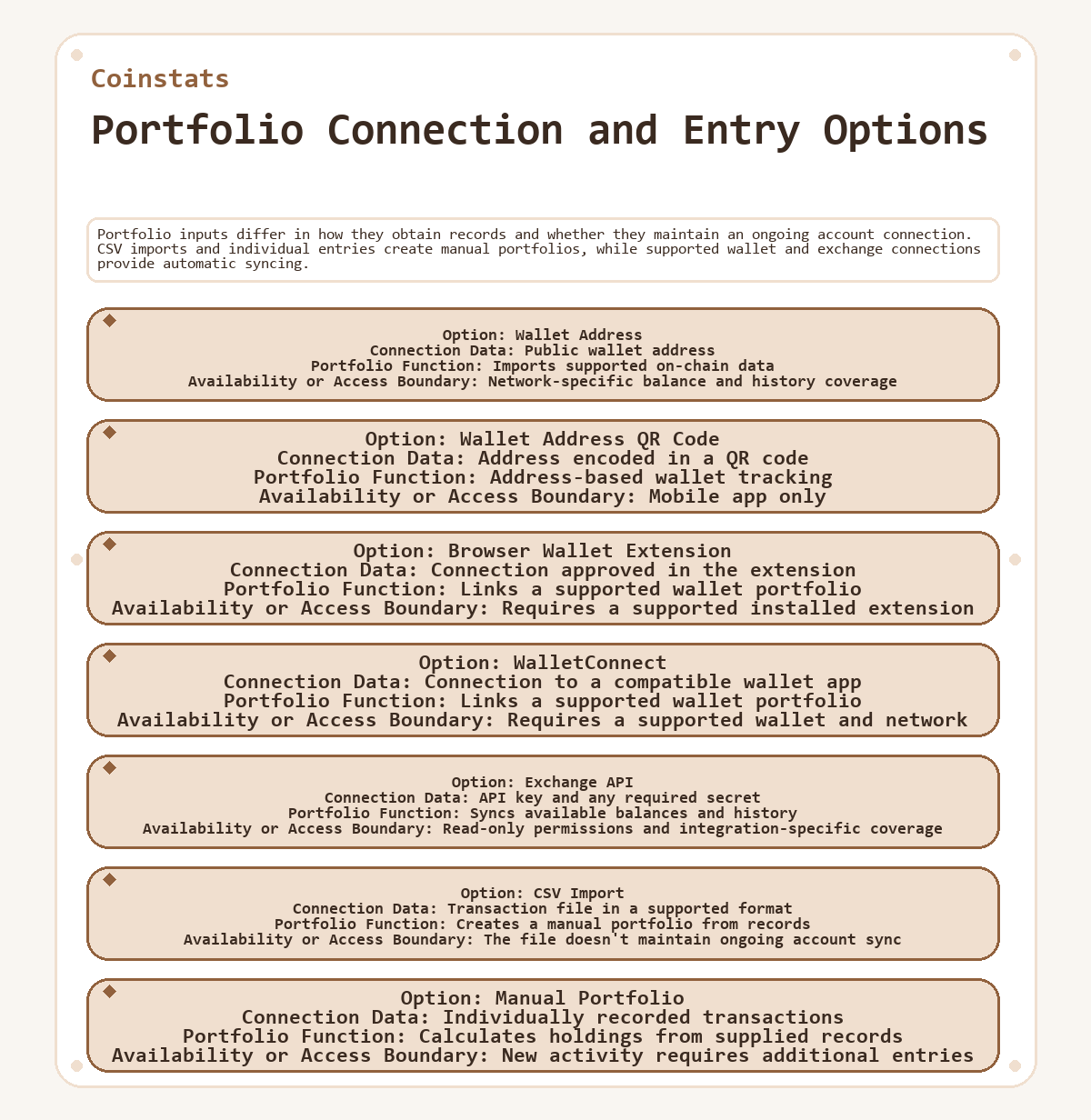
Portfolio inputs differ in how they obtain records and whether they maintain an ongoing account connection. CSV imports and individual entries create manual portfolios, while supported wallet and exchange connections provide automatic syncing.
Portfolio Connection and Entry Options
Portfolio inputs differ in how they obtain records and whether they maintain an ongoing account connection. CSV imports and individual entries create manual portfolios, while supported wallet and exchange connections provide automatic syncing.
- Option: Wallet Address Connection Data: Public wallet address Portfolio Function: Imports supported on-chain data Availability or Access Boundary: Network-specific balance and history coverage
- Option: Wallet Address QR Code Connection Data: Address encoded in a QR code Portfolio Function: Address-based wallet tracking Availability or Access Boundary: Mobile app only
- Option: Browser Wallet Extension Connection Data: Connection approved in the extension Portfolio Function: Links a supported wallet portfolio Availability or Access Boundary: Requires a supported installed extension
- Option: WalletConnect Connection Data: Connection to a compatible wallet app Portfolio Function: Links a supported wallet portfolio Availability or Access Boundary: Requires a supported wallet and network
- Option: Exchange API Connection Data: API key and any required secret Portfolio Function: Syncs available balances and history Availability or Access Boundary: Read-only permissions and integration-specific coverage
- Option: CSV Import Connection Data: Transaction file in a supported format Portfolio Function: Creates a manual portfolio from records Availability or Access Boundary: The file doesn't maintain ongoing account sync
- Option: Manual Portfolio Connection Data: Individually recorded transactions Portfolio Function: Calculates holdings from supplied records Availability or Access Boundary: New activity requires additional entries
| Option | Connection Data | Portfolio Function | Availability or Access Boundary |
|---|---|---|---|
| Wallet Address | Public wallet address | Imports supported on-chain data | Network-specific balance and history coverage |
| Wallet Address QR Code | Address encoded in a QR code | Address-based wallet tracking | Mobile app only |
| Browser Wallet Extension | Connection approved in the extension | Links a supported wallet portfolio | Requires a supported installed extension |
| WalletConnect | Connection to a compatible wallet app | Links a supported wallet portfolio | Requires a supported wallet and network |
| Exchange API | API key and any required secret | Syncs available balances and history | Read-only permissions and integration-specific coverage |
| CSV Import | Transaction file in a supported format | Creates a manual portfolio from records | The file doesn't maintain ongoing account sync |
| Manual Portfolio | Individually recorded transactions | Calculates holdings from supplied records | New activity requires additional entries |
Holdings, Allocation, and Profit Calculations
Portfolio value totals recorded holdings at their tracked prices; profit and loss compares current value or sale proceeds with acquisition cost.
Allocation and Portfolio Performance
Allocation charts split holdings by asset, platform, and category. Analytics can cover an individual portfolio or combined portfolios, with performance charts, market comparisons, and gainers and losers. The Wallet Analyzer adds on-chain activity and network allocation. Fee analysis separates recorded trading fees from gas spent on blockchain transactions. Some analytics require Premium or Degen, and the portfolio value chart and heatmap are web-only features. Distribution describes how holdings are divided, while performance describes their change in value over time.
Cost Basis and Transaction Settings
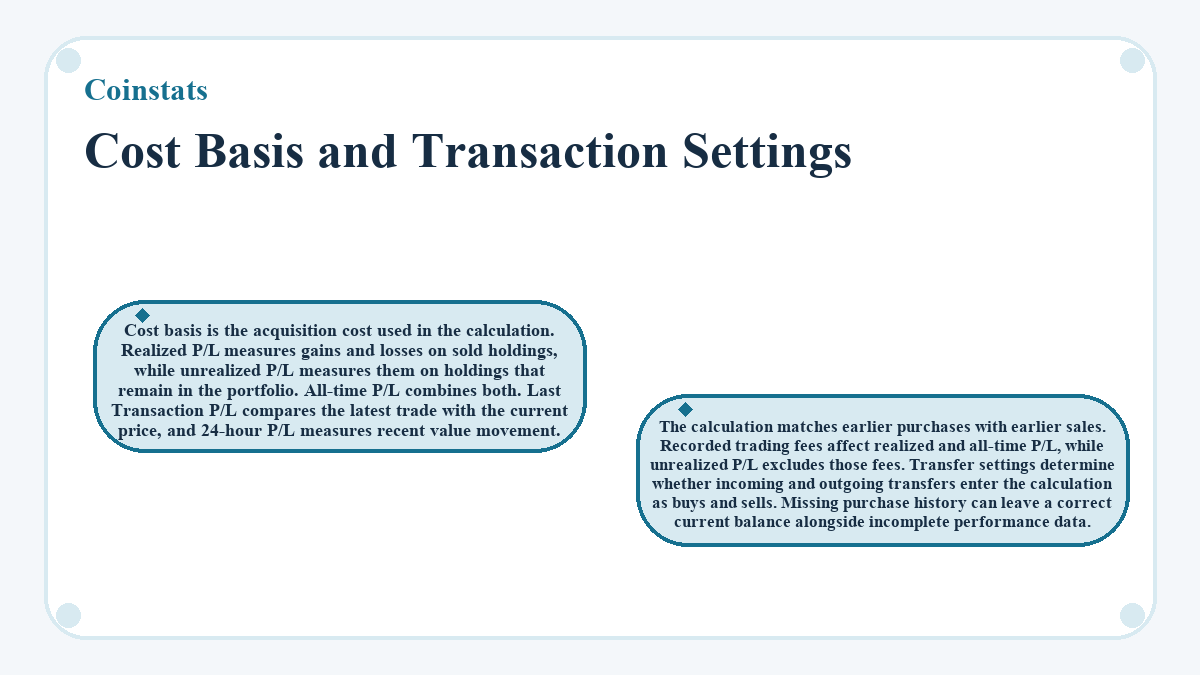
Cost basis is the acquisition cost used in the calculation. Realized P/L measures gains and losses on sold holdings, while unrealized P/L measures them on holdings that remain in the portfolio. All-time P/L combines both. Last Transaction P/L compares the latest trade with the current price, and 24-hour P/L measures recent value movement.
The calculation matches earlier purchases with earlier sales. Recorded trading fees affect realized and all-time P/L, while unrealized P/L excludes those fees. Transfer settings determine whether incoming and outgoing transfers enter the calculation as buys and sells. Missing purchase history can leave a correct current balance alongside incomplete performance data.
DeFi Positions and NFT Collections
DeFi tracking groups supported decentralized finance positions by protocol, while NFT tracking displays non-fungible token collections held in connected wallets.
Protocol Positions and Total Balance
The DeFi view separates liquidity positions, staked assets, rewards, farming, and borrowed or lent assets. Where supported, position details include a debt ratio or health rate. Include DeFi in Total controls whether recognized positions contribute to the overall balance. Its calculation filters tokens that represent the same underlying value to reduce double-counting. Enabling the setting therefore needn't add the full DeFi subtotal again. DeFi data doesn't form part of the portfolio chart, even when the total balance includes it.
NFT Network Coverage
NFT collection tracking supports Ethereum and Base. It presents the NFTs held at a connected address in a dedicated view, with details for individual items. A blockchain's presence in balance tracking doesn't establish support for its NFT collections.
Market Information and Notifications
Market tools combine coin prices, market statistics, and news with monitoring features that don't require a change to portfolio holdings. Coin details include market data and a personalized breakdown of tracked holdings. Coin Insights adds aggregated statistics from portfolios recorded in the service. Favorites organize selected coins, while the Portfolio Watchlist follows wallet addresses separately from personal portfolios. The news feed collects crypto articles and token-team updates, with custom RSS feeds available for additional coverage.
Notifications cover price changes, trading volume, market capitalization, and NFT floor prices. Automatic significant-change notifications monitor coins in holdings or favorites, while custom price alerts use selected conditions. Custom portfolio-value alerts require Degen.
Wallet Transactions, Planning Tools, and Tax Reports
Connected wallets support separate transaction features, while planning and tax tools organize targets and recorded activity. DeFi Swap routes supported token exchanges through available liquidity sources. Transaction-enabled wallet connections require wallet authorization and enough native currency for network gas. Any applicable service fee is separate from the network fee; subscription benefits can alter the service charge. Slippage tolerance limits acceptable price movement during a swap. Tracking coverage and swap availability follow their respective supported networks and assets.
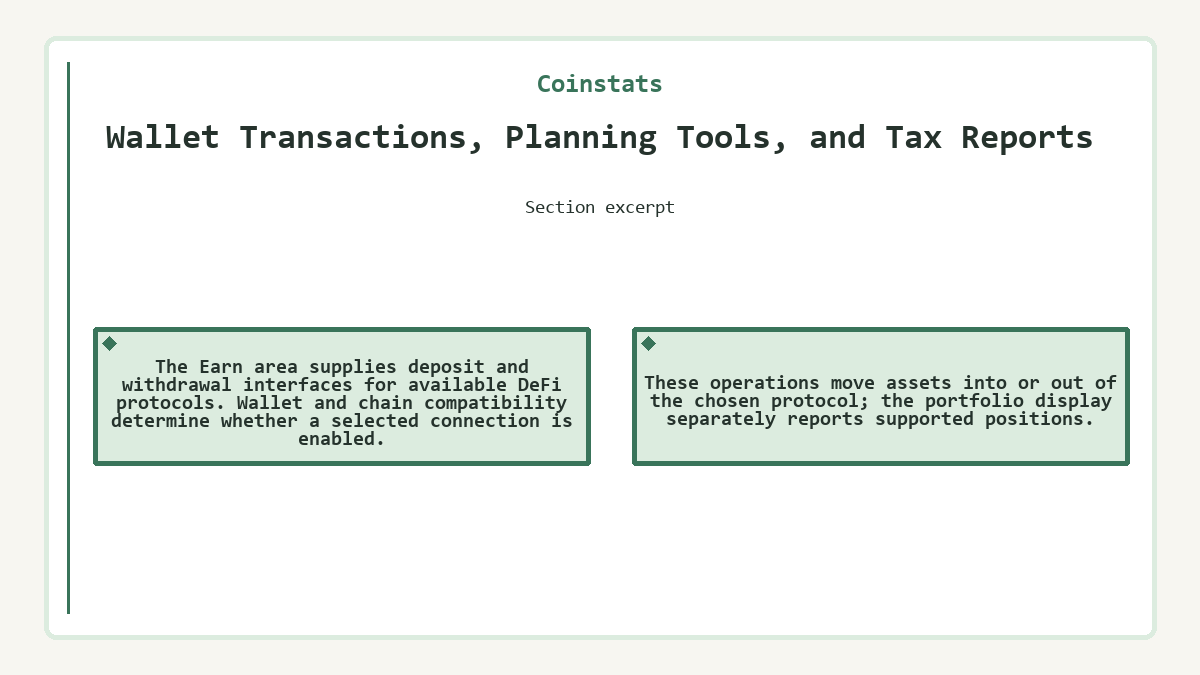
The Earn area supplies deposit and withdrawal interfaces for available DeFi protocols. Wallet and chain compatibility determine whether a selected connection is enabled. These operations move assets into or out of the chosen protocol; the portfolio display separately reports supported positions.
Time Machine shows historical holdings and prices and requires Degen. Daily snapshots begin when Degen Mode starts. Earlier dates use a reconstruction from available transaction history and historical prices, which can contain gaps when records are missing. Exit Strategy stores planned selling prices in a portfolio view. A planned price describes an intention to sell; a completed sale belongs in transaction history.
Tax reporting connects selected portfolios to CoinLedger with read-only data access and a permission request. Compatibility follows CoinLedger's supported exchanges and wallets. The external service handles report generation, so portfolio analytics and tax reporting use separate tools. A CSV export also provides recorded data for analysis outside the tracker.
What Does a Paid Subscription Change?
Paid subscriptions expand portfolio capacity, refresh allowances, analytics access, and support priority compared with the free Basic tier. Premium and Degen provide different capacities and feature access. AI research tools have usage allowances, and Degen adds backtesting features. Portfolio count, transaction volume, and the particular analytics needed determine whether the free tier covers a tracking task. More frequent refresh allowances don't expand an exchange's available transaction history.
The service has web, iOS, Android, macOS, and Apple Watch access, with features varying between interfaces. Subscriptions can originate on the web or through mobile stores. The purchase channel controls cancellation: web subscriptions end at the current billing cycle after cancellation, while store purchases use the store's subscription controls.
Read-Only Permissions and the 2024 Wallet Incident
Read-only tracking permits access to account data without granting authority to trade or withdraw funds through that connection. Public addresses don't authorize spending. The service can associate connected addresses and transaction histories with a user account, creating a privacy consideration separate from transaction permissions. Exchange API secrets authenticate account access; they aren't wallet recovery phrases.
The June 22, 2024 breach compromised private keys for 1,590 Coinstats Wallets. That attack involved the third-party-supported Coinstats Wallet service. External wallets and exchange accounts connected solely for portfolio tracking weren't affected by that incident. The platform restored full functionality on July 3, 2024.
A manually maintained portfolio or spreadsheet avoids sharing exchange credentials and relies on maintained records. Automatic sync adds recurring imports within the integration's permissions and history limits.
Before you start with Coinstats
-
Can I Group Wallet and Exchange Portfolios Into Folders?
- Coinstats lets you group portfolios into folders on both web and mobile. Individual portfolio views and the combined holdings view provide other ways to organize the same tracking data. Grouping changes how portfolios appear in the interface; it doesn't transfer assets between wallets or exchanges. The grouping controls also allow portfolios to be ungrouped when that organization no longer fits.
-
Why Does My Transaction History Contain a Fill Entry?
- A Fill entry is a synthetic transaction that reconciles imported transaction history with the balance reported by a connected wallet or exchange. Some integrations expose only part of an account's history. The tracker fills the gap using available transaction data. That entry can affect historical charts and acquisition prices, so it doesn't establish that the account actually made that trade. Its price can be edited when the original purchase price is known.
-
What Happens If I Delete a Connected Portfolio?
- Deleting a connected portfolio removes its tracking connection and synced records from the app. Previously synced data can't be directly recovered through that deleted connection. Reconnecting lets the service import the records that the integration then provides. Recovery of a manually added portfolio is a separate support request that requires the portfolio name and relevant details.
-
Can I Export Balances as Well as Transaction History?
- The export tool offers separate CSV outputs for Balances and Transaction History on web and mobile. A balances file suits a snapshot of recorded holdings, while the history export contains the activity recorded in the portfolio. An export doesn't supply missing transactions that the portfolio never received, so a current balance and a complete acquisition history remain separate kinds of information.
-
Is the Portfolio Price Always the Global Average Price?
- Portfolio prices can reflect the connected exchange or the exchange assigned to a manual transaction. The main coin list uses a global average across trading venues. For a manually added transaction, changing or removing its assigned exchange changes the price context, with removal allowing the global average. Differences between a portfolio valuation and the main market list can therefore reflect their price sources, without implying that the recorded quantity changed.
-
Will My Custom Alerts Reach Every signed-in Device?
- Custom alerts created while signed in apply across the devices registered to that account, including the web interface. An alert created without signing in is limited to the device where it was created.
-
Do I Need to Delete a Transaction to Exclude It From P/L?
- You can exclude an individual transaction from P/L while retaining its record in portfolio history. The setting controls whether the entry contributes to performance calculations and can apply to a duplicate or a mislabeled transfer. It is separate from the general transfer setting, which controls how incoming and outgoing movements enter P/L.
Last updated ·