 Coinstats
Coinstats price alerts With Target and Repeat Controls
Coinstats price alerts send notifications for selected price conditions, with mobile controls for one-time or persistent notifications. Choose a custom Price Limit alert for a target price or percentage change. Automatic price notifications track significant movements in coins from your portfolio or favorites. The target, repeat setting, and phone's notification permissions govern different parts of the setup.
In this guide
The selected price reference and direction explain many unexpected notifications. Comparing an alert with a portfolio price also requires matching the exchange or average-price view, because those displays can use different values.
In short: Use One Time when one notification is enough, and keep Persistent for conditions that remain relevant after the first message.
A Saved Price Limit and a Missing Notification
For a single notification at a chosen coin price, start with a mobile Price Limit alert and check delivery permissions. If a subscription prompt appears, review the plan, billing period, and charge before completing a purchase.
- Open Alerts, select Custom, tap Create Alert, and choose Price Limit.
- Select the coin and exchange pair, keeping Average if that matches the price you want to monitor.
- Choose the condition and target, then confirm the direction after entering the price.
- Set One Time for this single-notification task, allow Coinstats notifications on the phone, and save the rule.
- After the chosen price condition is met, check for that rule's notification; seeing it on the phone confirms delivery to that device.
A saved rule establishes configuration. If phone notifications are disabled, enable them before changing the target to troubleshoot non-delivery. Changing the price can't restore a blocked notification permission.
What Does Alert Frequency Control?
Mobile custom alerts offer One Time and Persistent frequency settings. One Time fits a single notification. Persistent supports repeats, without the label itself specifying a fixed delivery interval.
Nearby price rules can overlap when they cover the same condition. More messages don't establish a larger move or a more reliable price. Keep separate rules when their different targets answer different questions, and assess each message against the condition that produced it.
Target Prices, Percent Changes, and Direction
The mobile Price Limit setup supports a target price or a percent-change alert, and the chosen type affects direction.
Target Price Direction
A target equal to or below the coin's current price selects a below-price condition; a higher target selects above. Read the Condition after entering the target, since matching the current price still selects a below-price condition.
Percent Increase or Decrease
A percent-based alert lets you choose an increase or decrease through the adjacent icon or underlined condition text. Percent measures a relative move; a price target sets an absolute level. Keep the unit and direction alongside the value when reviewing the rule.
Average Prices and Exchange Pairs
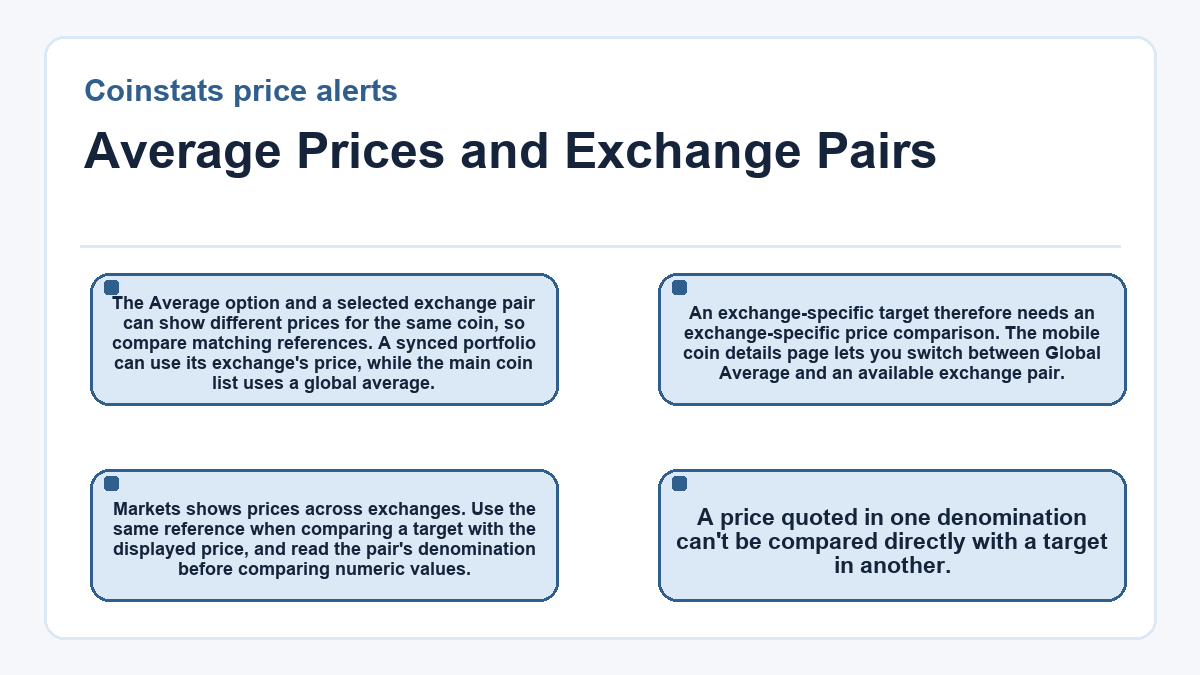
The Average option and a selected exchange pair can show different prices for the same coin, so compare matching references. A synced portfolio can use its exchange's price, while the main coin list uses a global average. An exchange-specific target therefore needs an exchange-specific price comparison.
The mobile coin details page lets you switch between Global Average and an available exchange pair. Markets shows prices across exchanges. Use the same reference when comparing a target with the displayed price, and read the pair's denomination before comparing numeric values. A price quoted in one denomination can't be compared directly with a target in another.
Automatic Movement Alerts and Sensitivity
Automatic price notifications watch significant recent movements in portfolio or favorite coins, with sensitivity controlling which changes attract attention.
The One-Hour Movement Window
The automatic trigger looks at a coin's change over the last hour. Coinstats adjusts trigger percentages using coin rank and volume, so a fixed percentage shouldn't be treated as universal. Low, Medium, and High are sensitivity settings. Choose High for more notifications, including smaller price moves. Sensitivity doesn't control whether custom alerts repeat.
Portfolio and Favorite Coins
Automatic notifications are available to all users and active by default. The mobile Alerts tab controls them across portfolio and favorite coins, while an individual coin's page has a Significant Change Notifications switch. A favorite can receive this monitoring without a recorded holding.
Why Can a Price Alert Arrive Without a Sound?
A price alert can arrive silently because the phone's notification settings control sound separately from the rule that triggers the message.
iPhone Delivery Settings
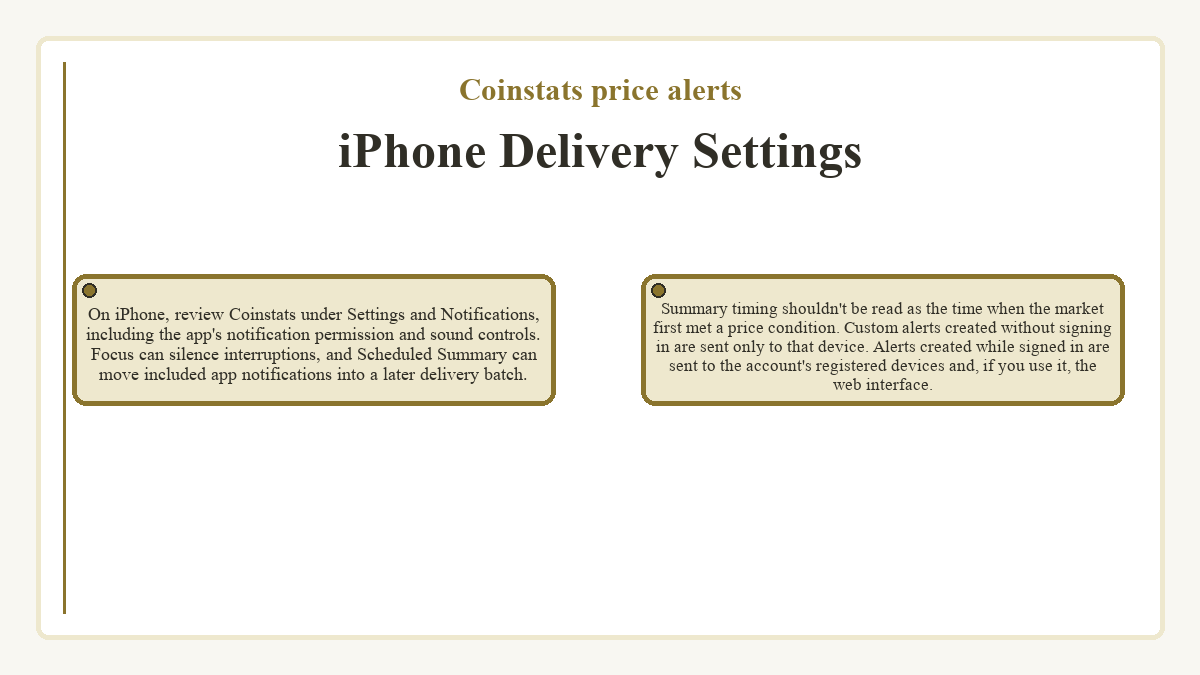
On iPhone, review Coinstats under Settings and Notifications, including the app's notification permission and sound controls. Focus can silence interruptions, and Scheduled Summary can move included app notifications into a later delivery batch. Summary timing shouldn't be read as the time when the market first met a price condition.
Custom alerts created without signing in are sent only to that device. Alerts created while signed in are sent to the account's registered devices and, if you use it, the web interface.
Android Notification Controls
On Android devices that provide notification categories, the relevant category may be set to Silent. Those notifications can still appear in the notification shade without sound or vibration. Menu names vary by phone, so inspect the applicable category on the device you're using.
Some Android devices also offer Notification Cooldown, which reduces repeated sounds and pop-ups during notification bursts.
Subscription Access and Alert Costs
Automatic price notifications don't require a paid plan, while Premium and Degen include custom alerts in their feature sets. Check the subscription option that your account presents before assuming that every alert category has identical access. A custom total-portfolio-value threshold has the separate Degen requirement.
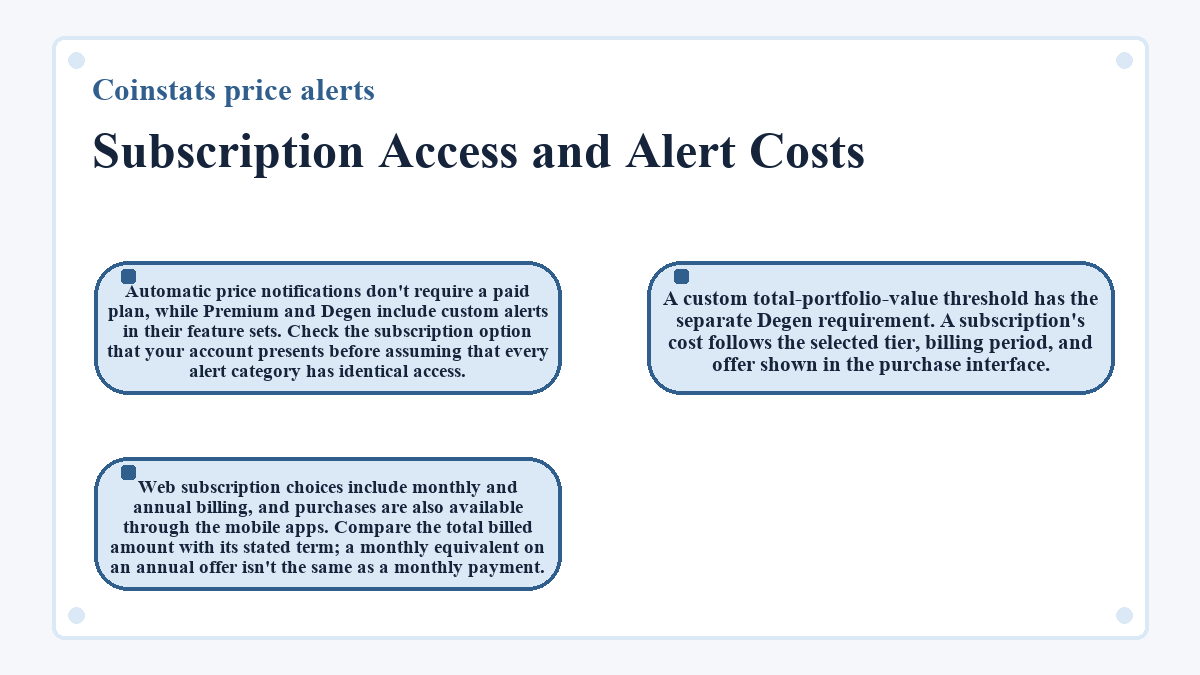
A subscription's cost follows the selected tier, billing period, and offer shown in the purchase interface. Web subscription choices include monthly and annual billing, and purchases are also available through the mobile apps. Compare the total billed amount with its stated term; a monthly equivalent on an annual offer isn't the same as a monthly payment.
Daily Portfolio Messages Beside Price Triggers
A scheduled Portfolio Value Notification reports the portfolio's change over the previous 24 hours. That message concerns the overall recorded portfolio, whereas Price Limit concerns a selected coin's price. Receiving a daily portfolio message doesn't establish that a particular coin-price rule fired.
Comma-separated values (CSV) imports and manual entries supply portfolio records, which provide context for a total-value view. They don't set a custom coin-price condition. The scheduled portfolio notification has its own adjustable delivery time, so moving its daily arrival doesn't turn it into a target-price trigger or change its 24-hour reporting window.
Coinstats price alerts: common questions
Can I Choose a Custom Sound for a Price Alert on iOS?
Coinstats supports custom notification sounds for mobile alerts on iOS. The sound choice remains subject to the phone's sound and notification settings, so choosing a tone doesn't override a silent phone or blocked notifications.
What Should I Write in a Custom Price Alert Note?
An optional note can record why you chose a particular alert and what you want to review when it fires. Keep the note focused on that purpose without including account credentials or a wallet recovery phrase. The note is separate from the target and condition settings.
Does a Price Limit Alert Automatically Place a Trade?
A Price Limit alert sends a notification when its price condition matches. Placing a buy or sell order requires a separate trading action or an explicitly configured trading system. Receiving the alert doesn't reserve liquidity, lock an execution price, or confirm a completed trade.
Where Can I Find a Dismissed Price Alert on Android?
Android's Notification History can show recently dismissed notifications on devices that support the feature. On Pixel phones, history must already have been enabled when the notification arrived. Look in Settings and Notifications for Notification History. Availability and labels vary by device, and history isn't a record of market prices or a replacement for the saved alert's condition.
Can I Hide Coinstats Alert Previews on My iPhone's Lock Screen?
An iPhone lets you control notification previews for each app. In the app's notification settings, Show Previews can restrict visible text to When Unlocked or hide it with Never, where previews are supported. This limits what someone can read from the lock screen while leaving the alert rule's price settings separate.
When Should I Report a Missing Custom Price Alert to Support?
Report a missing custom alert if the saved condition, chosen price reference, and notification permissions don't explain it. Include the alert type, direction, repeat option, and device details in the in-app support chat. Screenshots can make the configured rule clearer; remove unrelated balances, identifying details, and credentials before sharing them.
Is an NFT Floor Price Alert Based on a coin's Market Price?
An NFT Floor Price Alert follows a selected collection's floor price. Its mobile setup offers price or percent conditions, so it watches a different quantity from a coin Price Limit. The collection's displayed floor price supplies the starting context, and a chosen coin's trading price doesn't establish that floor-price condition.
Last updated ·